Designed from your real screens
Upload the app screens you already have and get a polished, on-brand set with AI-written, benefit-led headlines.
Turn your raw app screens into a polished, store-ready set in minutes — built to lift conversions and launch faster.
Create your first set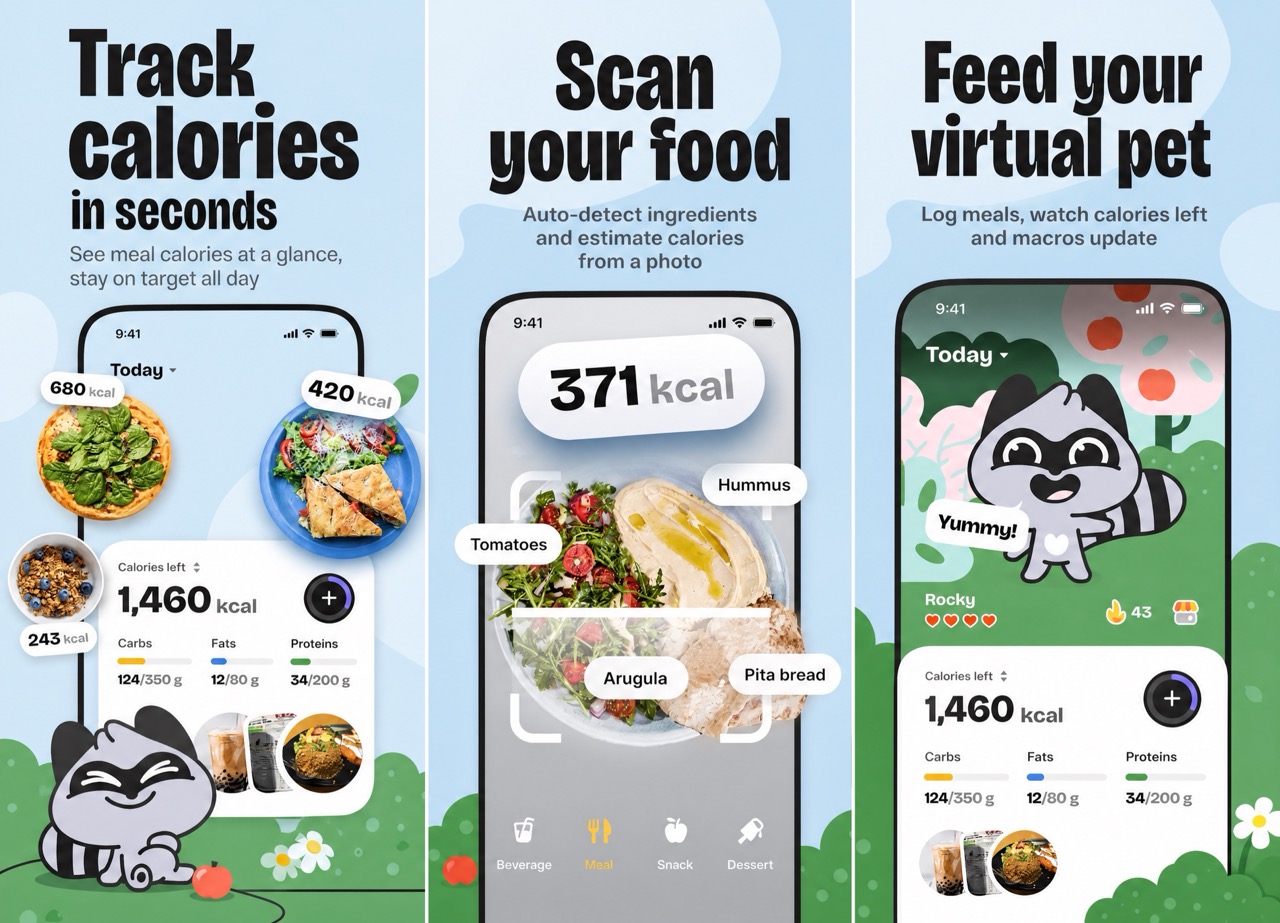
How it works
No design tool, no template fights. Upload, pick a style, download — about five minutes end to end.
Drop in the raw screens you already have — clear UI, three screens usually work best.
Choose a reference style or bring your own — AI designs the full set with benefit-led headlines.
Export iPhone, iPad, and Android sizes at the exact pixels each store requires.
What’s inside
From your raw screens to a localized set, previewed exactly as shoppers will see it — without opening a design tool.
Upload the app screens you already have and get a polished, on-brand set with AI-written, benefit-led headlines.
iPhone, iPad, and Android sizes — plus a Play Store feature graphic — all at the exact pixel dimensions each store requires.
Translate the marketing copy on every panel while your in-app UI stays untouched, exported in upload-ready locale folders.
See exactly how your listing looks in the App Store before you publish — switch sizes and languages live, then export.
Who it’s for
Whether you ship one app or twenty, DesignShots turns raw screens into store-ready sets — no designer in the loop.
Ship store-ready screenshots without hiring a designer. From raw screens to a full set — every store size in one pass — in minutes.
Deliver polished sets for every client. Spin up A/B versions and per-client exports without the design overhead.
Localize every panel into 33 languages and test up to 4 screenshot versions for your store experiments.
Keep every app's store presence consistent. Paste an App Store URL to import screens, then regenerate the full set whenever the UI changes.
Examples
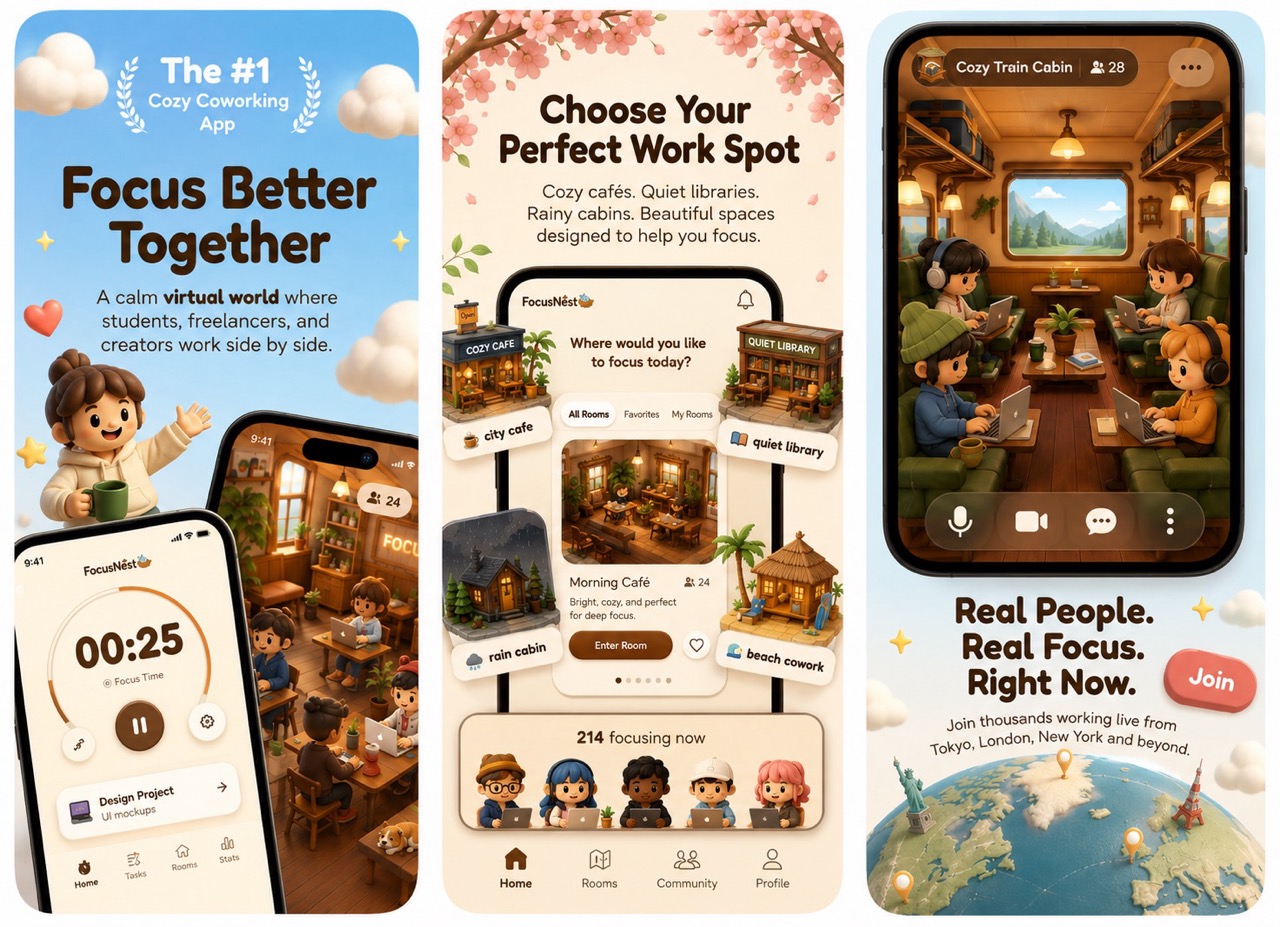
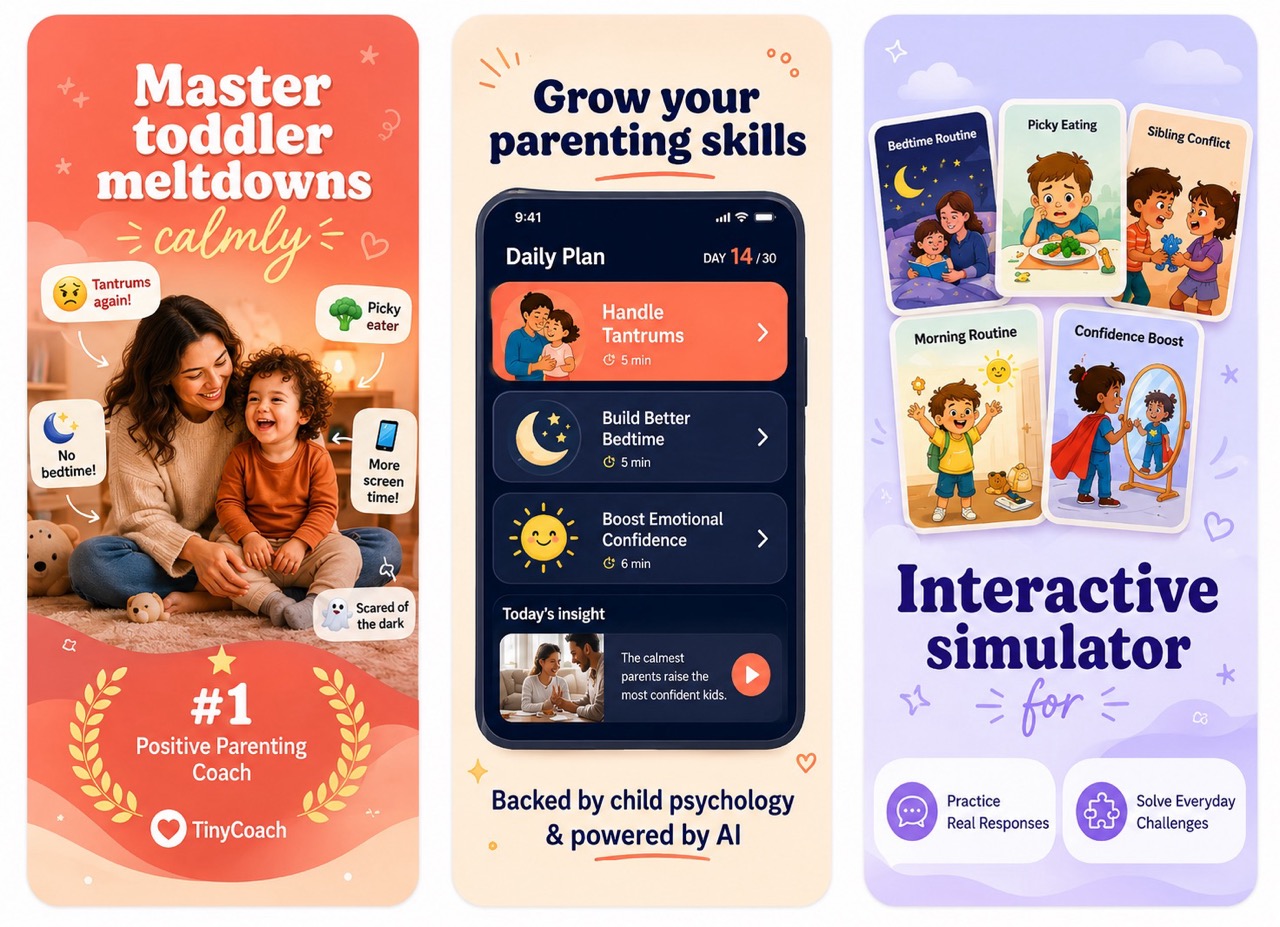
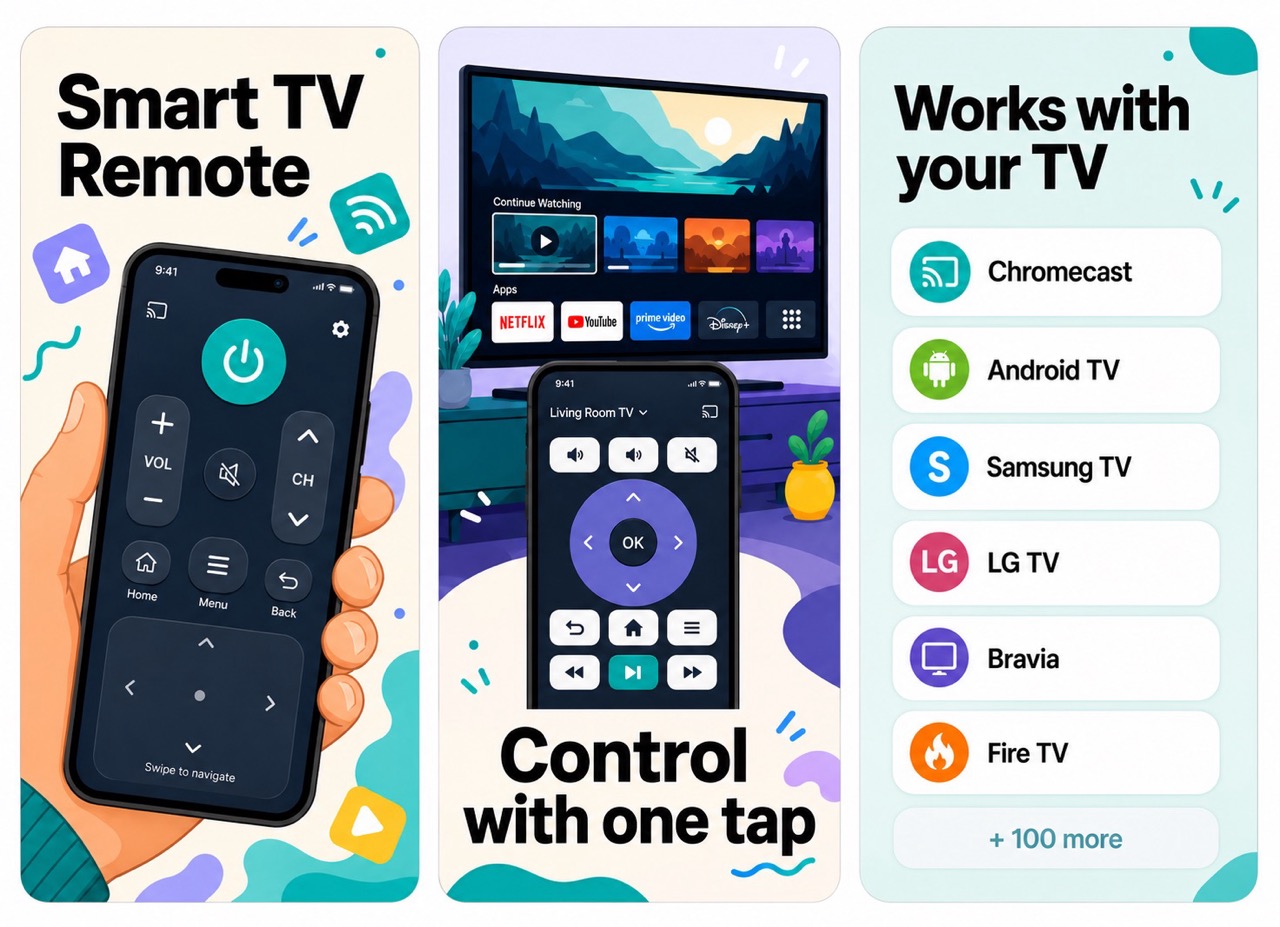
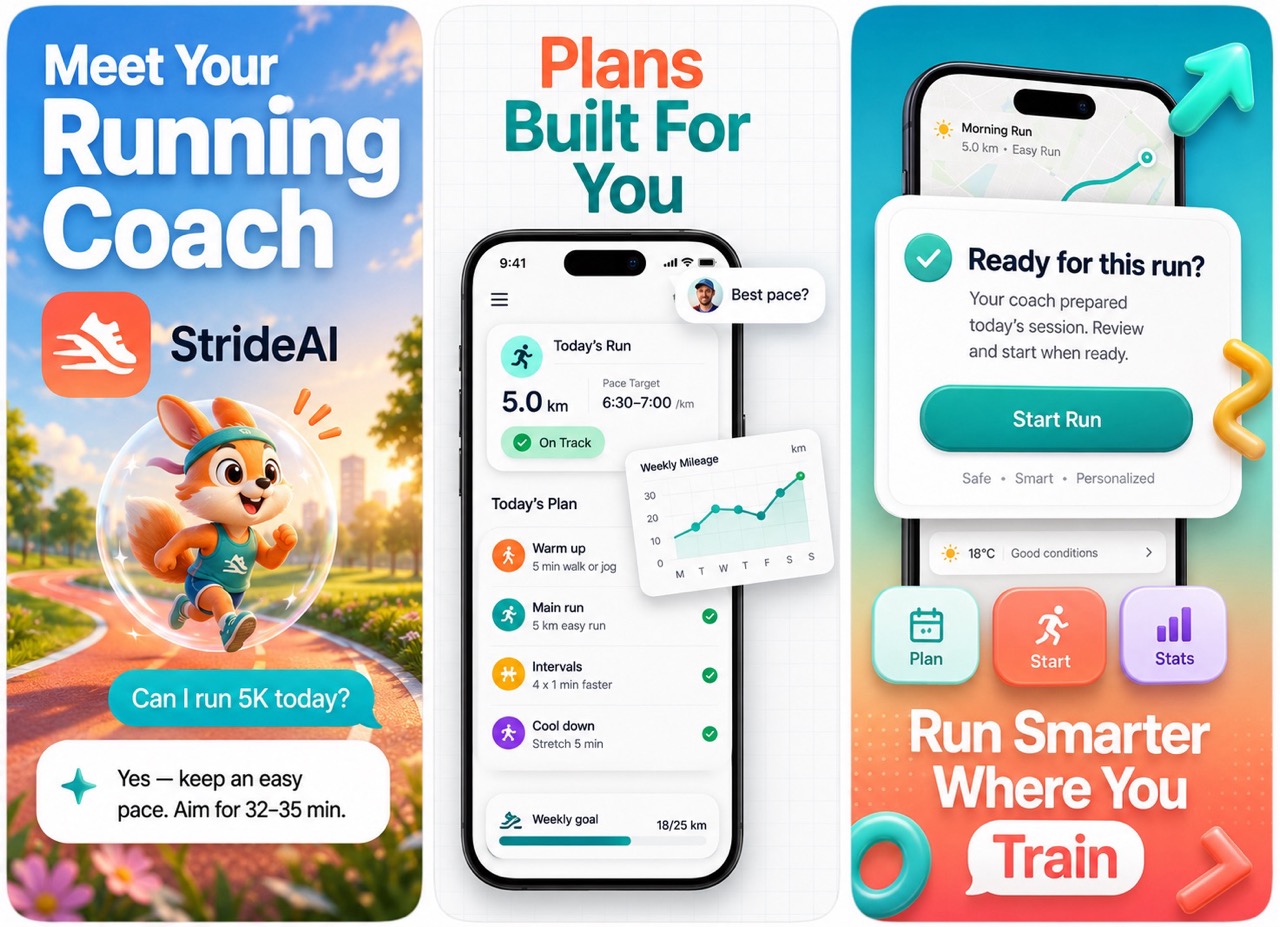
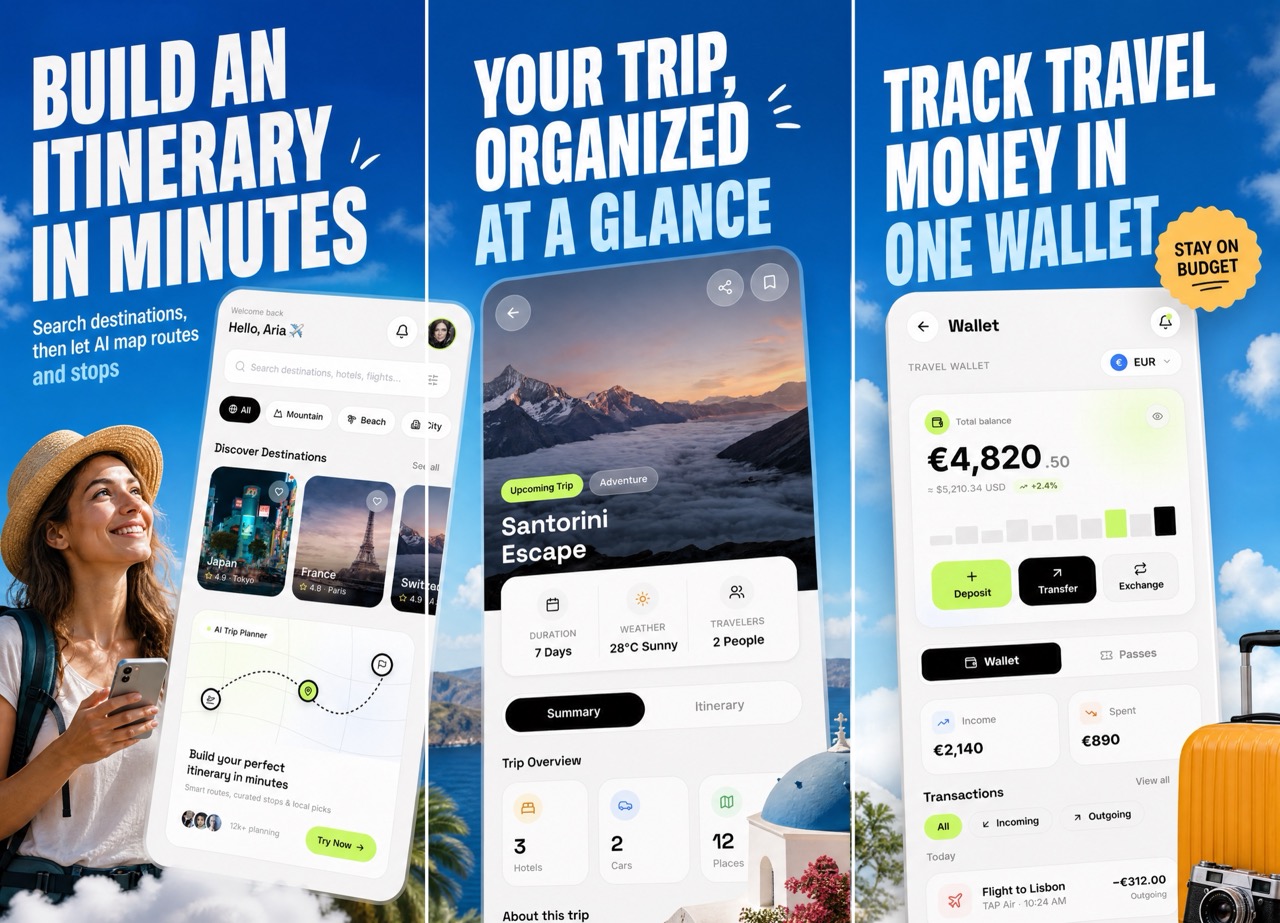
A few of the store-ready styles you can generate from your own app screens — pick one as a reference or bring your own.
Wall of love
4.8from 6 reviews
Real words from indie devs and founders who turned raw app screens into store-ready sets with DesignShots.
honestly didn't expect much but these came out better than the set I paid $250 for on fiverr last year. uploaded my habit tracker screens, generated through designshots, dropped them straight into app store connect.
ok the headline copy it wrote was actually good?? that's always the part I get stuck on. had to redo one panel because my source screenshot was blurry but that was on me lol
4 stars because the first pass cropped my tab bar weird. left a quick note and the second try fixed it. still beat fighting with figma templates for a whole weekend.
honestly didn't expect much but these came out better than the set I paid $250 for on fiverr last year. uploaded my habit tracker screens, generated through designshots, dropped them straight into app store connect.
ok the headline copy it wrote was actually good?? that's always the part I get stuck on. had to redo one panel because my source screenshot was blurry but that was on me lol
4 stars because the first pass cropped my tab bar weird. left a quick note and the second try fixed it. still beat fighting with figma templates for a whole weekend.
shipped my play store listing in one evening. it picked up the purple from my app's theme without me even asking. wish I'd found this before my last launch tbh
I'm not a designer and it shows in everything I make... except my screenshots now. my app finally doesn't look like a side project on the store page.
tried like 3 of these AI screenshot tools and this is the only one that didn't mangle my actual UI. text stayed readable, icons stayed sharp, nothing hallucinated.
shipped my play store listing in one evening. it picked up the purple from my app's theme without me even asking. wish I'd found this before my last launch tbh
I'm not a designer and it shows in everything I make... except my screenshots now. my app finally doesn't look like a side project on the store page.
tried like 3 of these AI screenshot tools and this is the only one that didn't mangle my actual UI. text stayed readable, icons stayed sharp, nothing hallucinated.
Pricing
Pick the plan that fits your launch cadence. Credits refresh on every renewal — cancel anytime.
A steady drip of sets for a single live app
then $9/month · 20 credits · $0.45 per set
Get startedRoom to iterate across launches every month
then $19/month · 50 credits · $0.38 per set
Get startedFor agencies and teams shipping many apps
then $49/month · 120 credits · $0.41 per set
Get startedUse your own OpenAI key to generate unlimited screenshots and copy. No credits, no limits. Start with a 3-day free trial — you pay OpenAI directly for usage and nothing to us until the trial ends.
Affiliate program
Love DesignShots? Share it with other app developers and earn a 25% commission on every sale your referrals make. Free to join, instant link, no minimums.
FAQ
A few practical details about keys, uploads, references, and output.
Yes. DesignShots creates clean portrait phone screenshots you can use for both the Apple App Store and the Google Play Store listing. Upload your Android or iOS app screens and export a store-ready set.
DesignShots runs on simple monthly plans. Each plan gives you a set number of credits that refresh on every renewal — unused monthly credits don't roll over. You can cancel anytime, and active subscribers can also buy one-time add-on credit packs that never expire.
Use clear product screenshots with the main UI visible. Three screens usually work best.
Yes. You can upload a reference image if you already know the style you want.
It should keep your product recognizable. The main work is the store screenshot layout around it.
Start now
Skip the designer and the revision loop. Turn your app screens into store-ready App Store & Play Store screenshots today — one low-cost pack, no API key needed.
Create your first setFree tools
No signup, no AI, runs in your browser. Built for the same indie devs DesignShots is for.